Table of Contents
What Is an AI Sales Copilot?
AI Sales Copilot vs AI Agent vs AI SDR
AI Sales Copilots at a Glance (Comparison Table)
10 Best AI Sales Copilot for B2B Sales Teams
Which AI Sales Copilot Fits Your Team?
AI Sales Copilot Pricing: Seat Price vs Total Cost
How to Roll Out an AI Sales Copilot Without Wasting the Budget
When a Copilot Is Not Enough: Booking Meetings Without Hiring More SDRs
Conclusion
Frequently Asked Questions
Modified On :
November 28, 2026
Key Takeaways
- Pick by job and CRM first, brand second.
- A copilot suggests. An agent acts. Know which one you are buying.
- Seat price is not total cost. Credits, platform fees and onboarding add up fast.
- Messy CRM data caps any copilot, so clean it before you buy.
- Run a 30-day pilot with baselines, and decide in advance where the saved hours go.
A rep who spends the morning researching accounts and the afternoon updating the CRM has not sold anything yet. That is the daily reality for a lot of B2B sellers, and it is why an AI sales copilot is on every shortlist right now.
The numbers back it up. Gartner found AI saves sellers an average of 4.8 hours a week, based on a survey of 210 sales leaders in early 2026. But 72% of sales organizations reinvest little of that time in high-value work. Salesforce's 2026 State of Sales surveyed 4,050 sales professionals and found 87% of sales organizations already use some form of AI.
Many "best AI sales copilots" lists share one flaw. The word "copilot" now covers a $25 CRM seat and a quote-only enterprise platform with a platform fee. They are not competitors.
So we grouped 10 copilots by the job they do. You get published vs quote-only pricing, honest limits, picks by CRM and team size, and a 30-day pilot plan.
We also run outbound lead generation for B2B teams at Cleverly, so we will tell you where a copilot stops helping.
What Is an AI Sales Copilot?
An AI sales copilot is software that works beside a rep inside the tools they already use. It drafts emails, summarizes calls, updates CRM fields and suggests next steps. The rep reviews and approves each action. It speeds up the work a rep already does instead of replacing the rep.
Here is what a copilot typically handles:
- Call notes and action items
- CRM field updates
- Email drafts and thread summaries
- Account research
- Deal-risk flags
- Coaching prompts
Copilot vs CRM vs ChatGPT. Your CRM is the system of record. It stores the data. A general LLM like ChatGPT or Claude can draft and reason well, but it has no native CRM access. You copy and paste context in, and copy results out. A copilot sits between the two. It reads your CRM and writes back to it.
Copilots live where reps already work: Outlook, Teams, Gmail, the CRM and call tools. Two clear examples are Microsoft Copilot for Sales inside Outlook and HubSpot's AI agents inside the CRM.
🤖 Let AI Handle the Busywork. We'll Handle Lead Gen.
AI copilots can make sales teams more productive. Cleverly takes prospecting off your plate with done-for-you LinkedIn, cold email, and cold calling.
AI Sales Copilot vs AI Agent vs AI SDR
The plain rule: a copilot prepares work for a person to approve. An agent is handed an outcome and acts within limits.
G2 draws a similar line. AI sales assistants often work as human-assisted copilots, while agents run more autonomously. In real life it is a spectrum. Many 2026 products ship both modes.
This list covers rep-facing copilots. We flag Clay and Agentforce as agent-leaning, since both can act on their own. If you want the booking side handled by AI, read our AI appointment setting guide.
AI Sales Copilots at a Glance (Comparison Table)
📅 Give Your Sales Team More Conversations to Close
The best sales tools need a steady flow of prospects. Cleverly helps B2B teams reach decision-makers and book qualified meetings through multichannel outreach.
10 Best AI Sales Copilot for B2B Sales Teams
1) Salesforce Agentforce Sales: Best for Salesforce-First Teams
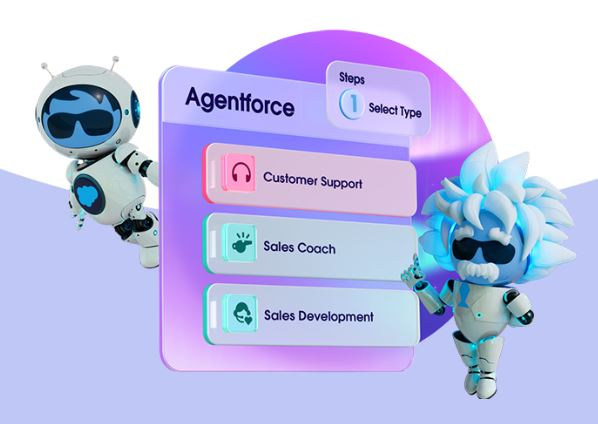
Salesforce sells its AI-powered CRM as Salesforce Agentforce Sales. It reuses your objects, flows and permissions, so reps stay in the CRM they already know. Scoring, pipeline inspection and deal insights sit in the product. Agents handle jobs like account research and sales emails. The catch: you need a Salesforce license, and agents are only as good as your records. Clean up duplicates first. Skip it if you are not on Salesforce.
Best for: Teams already running Sales Cloud who want AI inside the CRM.
Key features:
- Opportunity scoring, pipeline inspection and deal insights.
- Forecasting and call summaries.
- Agent skills such as Sales Emails, Account Research, Lead Nurture and Sales Coaching (several sold as add-ons).
- Gmail and Outlook email integration.
- Slack included in higher editions.
Pricing: Per user per month, billed annually: Free Suite $0, Starter $25, Pro $100, Core $195, Advanced $395, Max $550. Salesforce offers a free 30-day trial of every edition. Some regional pages still show older names (Enterprise $175, Unlimited $350), so verify at salesforce.com.
2) HubSpot Sales Hub with Breeze: Best for HubSpot Teams and Mid-Market
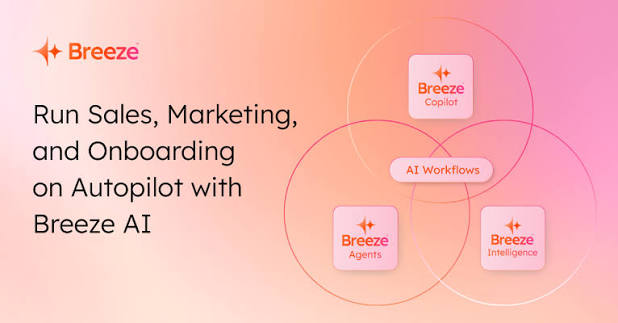
HubSpot Breeze sales features are AI inside HubSpot's CRM. A Prospecting agent finds and drafts outreach, a Data agent enriches records, and the notetaker preps meetings and writes recaps. Everything shares one data model, which keeps setup light. Agent depth rises with each tier, so Starter feels thin. Skip it if your CRM is not HubSpot.
Best for: HubSpot-based teams and mid-market companies that want CRM and AI in one place.
Key features:
- Prospecting, Data and Customer agents.
- Notetaker with meeting prep and recaps.
- Call recording, transcription and conversation intelligence on higher tiers.
- Lead scoring and deal summaries.
- Forecasting and sequences.
Pricing: Free tools exist. Starter starts at $7 per seat per month, and the page lists a higher rate for monthly billing. Professional starts at $90 per seat (annual) and Enterprise at $150. Professional carries a required one-time onboarding fee of $1,500, and Enterprise $3,500. AI features run on HubSpot Credits. Paid plans include monthly credits (500, 3,000 and 5,000 by tier), and extra credits cost $0.01 each.
3) Microsoft Copilot for Sales: Best for Microsoft 365 Shops
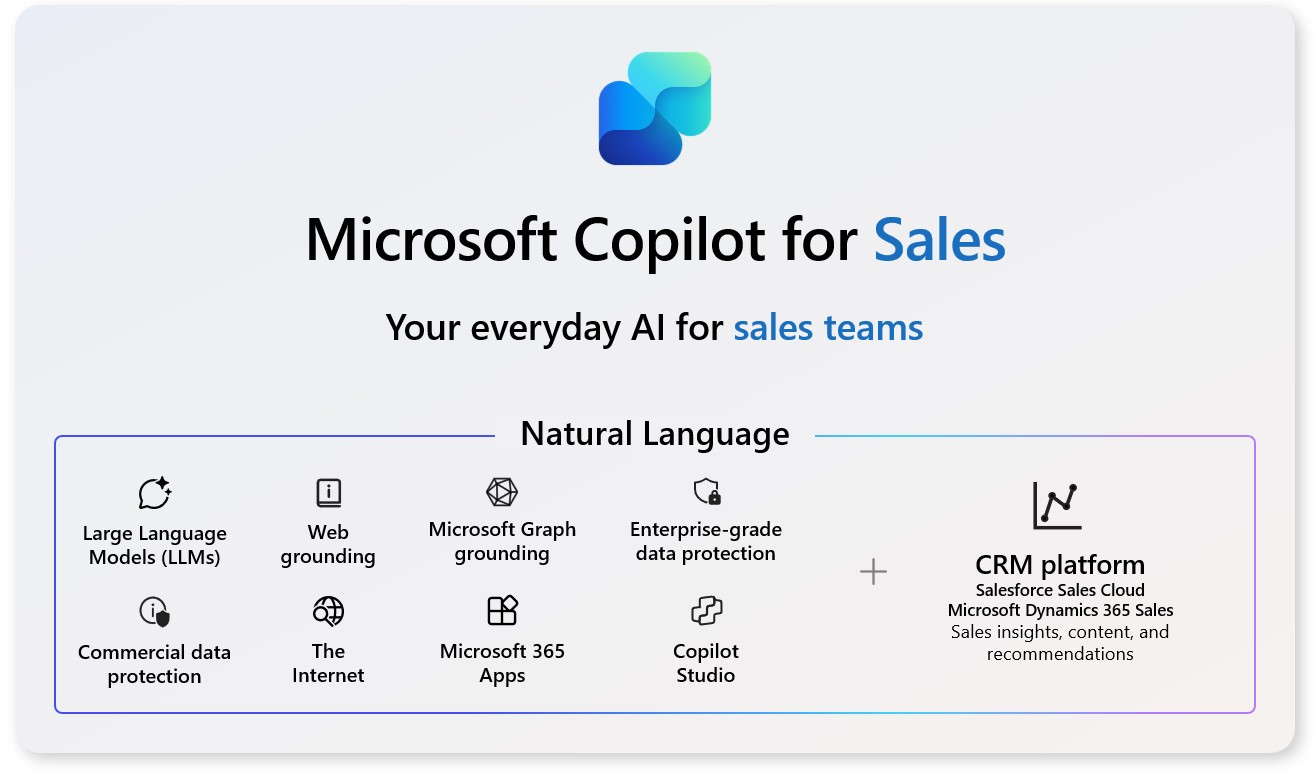
Microsoft Copilot for Sales is an AI seller assistant inside Outlook and Teams. It pulls CRM context into the inbox and writes updates back. Reps never leave Microsoft apps. The tradeoff is licensing. You need Microsoft 365 Copilot plus Dynamics 365 Sales or Salesforce Sales Cloud. Microsoft renames products often, so confirm the current name before you buy. Skip it if your team lives in Google Workspace.
Best for: Teams that spend their day in Outlook and Teams.
Key features:
- Email drafts and thread summaries in Outlook.
- Teams meeting recaps and conversation intelligence.
- Create, read and update CRM records from Outlook and Teams.
- Opportunity and lead summaries.
- Sales Research Agent and Sales Close Agent (preview) with Dynamics 365 Sales Premium.
Pricing: Microsoft's page lists a $20 per user per month add-on (annual commitment) for customers who already have Microsoft 365 Copilot. Premium customers who need that license see $30 listed. Dynamics 365 Sales runs $65 (Professional), $105 (Enterprise) and $150 (Premium) per user per month, paid yearly. Premium includes 1,000 Copilot Credits. The page still uses older product wording, so verify the current name and standalone price with Microsoft.
4) Gong: Best for Conversation Intelligence and Deal Coaching
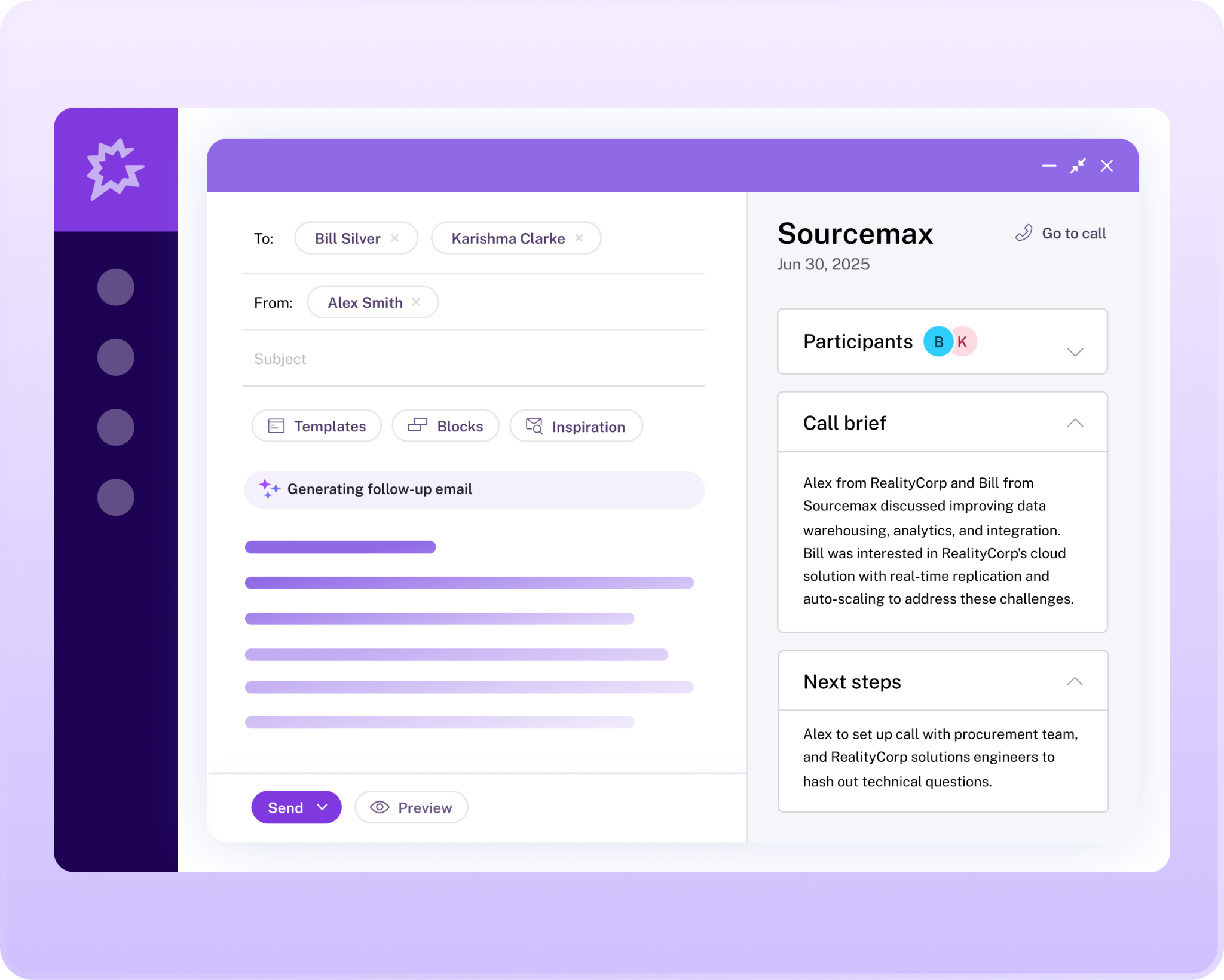
Gong AI sales tools start with call data. Gong records and analyzes calls, meetings and emails, then flags deal risk, competitor mentions and coaching moments. It is the deepest conversation dataset on this list. It is also the most expensive way to get there. Plan for ops support to run it well. Skip it if you have a small team and no one to own the tool.
Best for: Sales leaders who want coaching and deal-risk visibility.
Key features:
- Automatic capture across calls, email and meetings.
- AI Ask Anything for account, deal and contact questions.
- Agents such as AI Tasker, AI Deal Monitor, AI Tracker and AI Deal Predictor.
- AI Composer for outreach drafts from conversation context.
- Engage, Forecast and Enable modules.
Pricing: Quote only. Gong builds proposals around user count, modules and integrations. Some third-party sources report a platform fee of $5,000 or more plus roughly $1,360 to $1,600 per user per year. That is unverified, so treat it as a rough guide and ask Gong directly.
5) ZoomInfo GTM Workspace (Formerly Copilot): Best for Data Plus Buying Signals
ZoomInfo Copilot is now part of GTM Workspace. ZoomInfo says Copilot's AI engine became the workspace's native agent layer and is not sold on its own. The tool pairs contact, company and intent data with an AI assistant that knows a rep's accounts and signals. It tells reps which accounts to work and why. Value depends on CRM hygiene. Skip it if you only want call coaching or a CRM-native assistant.
Best for: Reps who need data and buying signals in one workspace.
Key features:
- AI assistant that works from your accounts, open opportunities, past conversations and live signals.
- Natural language commands that drive actions.
- Real-time buyer intent signals.
- Two-way Salesforce sync.
- Agent Teams for running plays across a team.
Pricing: ZoomInfo says you can start free with consumption credits, and it offers a free ZoomInfo Lite plan. Paid editions are quote only. ZoomInfo warns against third-party price estimates, so get a current quote at zoominfo.com/pricing. ZoomInfo also ranks itself first in its own guides, so read its claims with that in mind.
6) Outreach: Best for Outbound-Heavy Engagement Teams
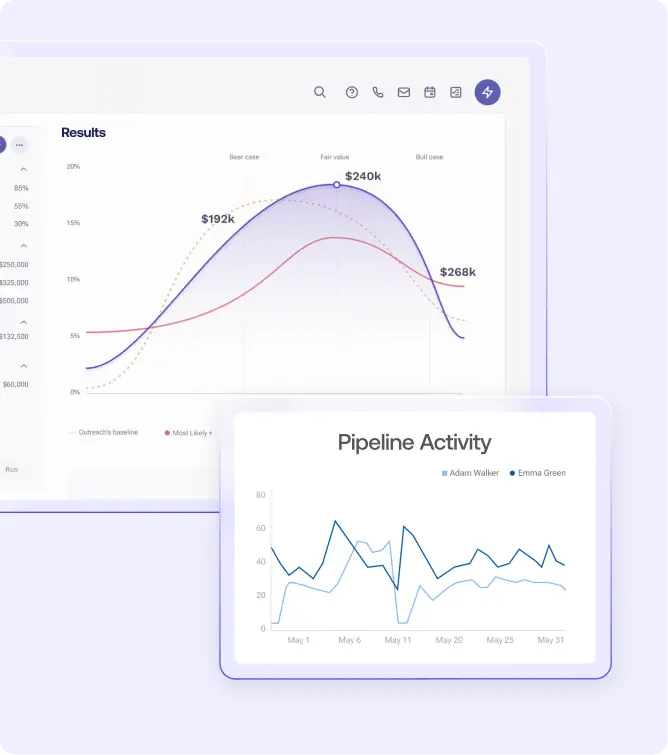
Outreach AI sales features sit inside the sequence workflow. In 2026 the company rebranded to Outreach.ai and launched Omni (a conversational agent), Agent Studio and a generally available Meeting Prep Agent. Research, Deal, Revenue and Personalization agents cover prospecting through deal updates. Access depends on your package. Engage-only customers cannot use Agent Studio. Skip it if your team is small and has no ops owner.
Best for: Outbound-heavy teams that live in sequences.
Key features:
- Multi-channel sequences with AI personalization.
- Research Agent and Meeting Prep Agent.
- Deal Agent for opportunity field updates and deal summaries.
- Kaia conversation intelligence and Smart Kaia Coach.
- Agent Studio for custom agent workflows (package-gated).
Pricing: Custom. Outreach combines seat-based and consumption pricing, and packages include AI credits (one tier lists 10,000). Outreach publishes no per-seat prices, so request a quote and ask about credit rollover and overage caps.
7) Salesloft (with Clari Forecast): Best for Engagement-to-Forecast in One Stack
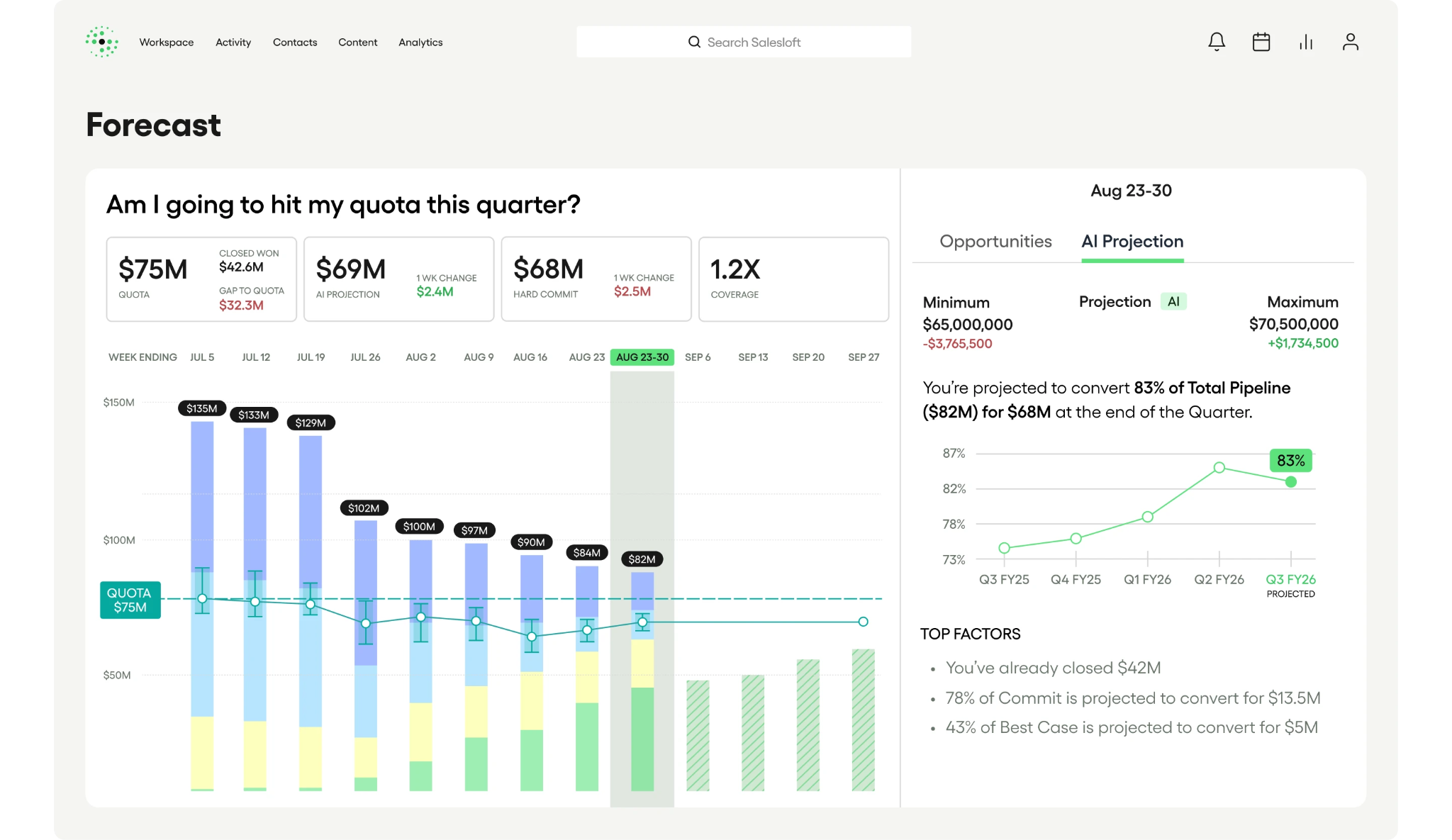
Salesloft and Clari completed their merger on December 3, 2025. The company has since moved to a single Salesloft brand, and Clari Forecast keeps its name. The pitch is one vendor for engagement, conversation intelligence and forecasting. Salesloft also launched an MCP Server and Salesloft Conversation Intelligence. The catch: product lines are still consolidating. Older lists still show Clari as a separate company, which is outdated. Skip it if you only need a lightweight assistant.
Best for: Teams that want engagement and forecasting from one vendor.
Key features:
- Sales engagement for emails, calls and sequences.
- Clari Forecast for forecasting and pipeline inspection.
- Salesloft Conversation Intelligence.
- MCP Server for connecting external AI assistants.
- Forecast data tied to seller execution.
Pricing: Not published. Reported per-seat numbers come from competitors and vary by module, so treat them as unverified. Ask for a bundled quote and a clear view of add-ons.
8) Apollo.io: Best Budget Option for Data Plus AI Outreach
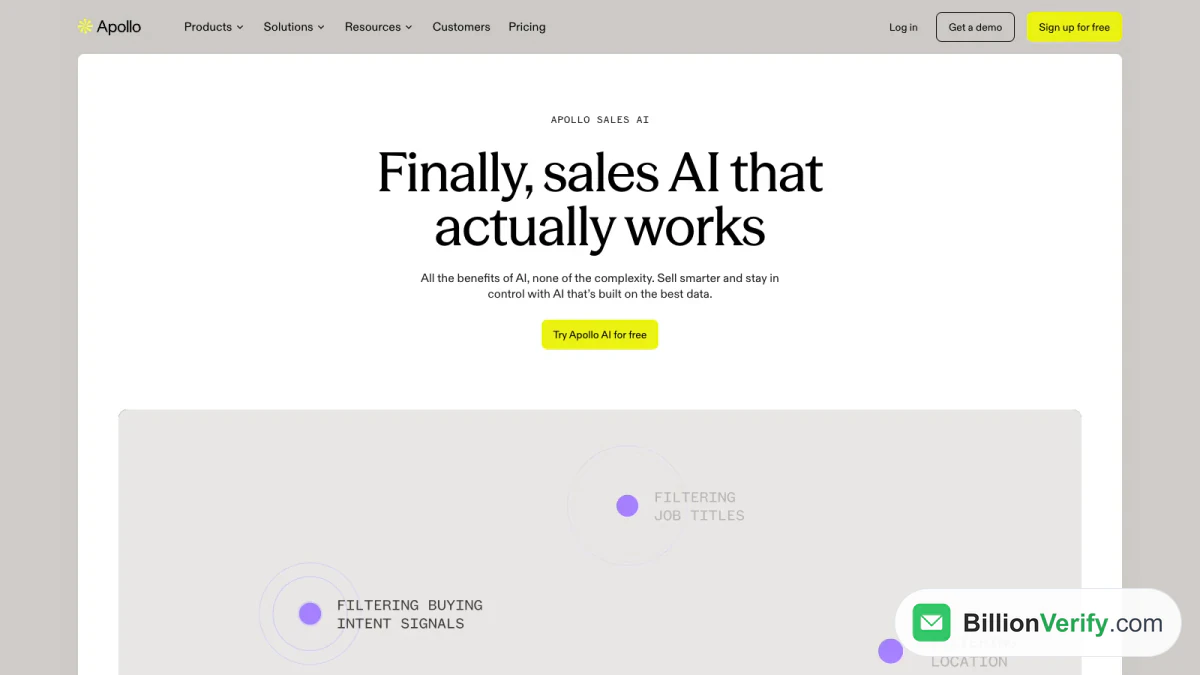
Apollo AI sales tools combine a B2B database with sequencing and an AI assistant that drafts outreach from prospect data. Apollo lists 240M contacts and 30M companies on its site. It has a real free plan, and one seat covers data and outreach. Credits drive real cost, and unused credits expire each billing cycle. Skip it if you need deep conversation analytics.
If you are weighing it against a managed service, see Cleverly vs Apollo.io.
Best for: Small teams that want data and outreach on a tight budget.
Key features:
- B2B database search and enrichment.
- AI Assistant and AI email drafts.
- Sequences, meeting scheduler and parallel dialer.
- Call recording and conversation intelligence on higher plans.
- Salesforce, HubSpot, Outreach and Salesloft integrations.
Pricing: Free plan available. Apollo's own material lists Basic at $49, Professional at $79 and Organization at $119 (3-seat minimum) per seat per month on annual billing. Monthly billing costs more ($65 for Basic, $99 for Professional per Apollo-tracking guides). Apollo's current pricing FAQ lists Free, Basic, Professional and Custom, so verify whether Organization still exists. Credits are pooled and do not roll over.
9) Clay: Best for Custom Research Workflows (Agent-Leaning)
Clay AI sales research is a spreadsheet-style workflow builder. It pulls from many data providers and runs AI research on each account. We label it agent-leaning. It runs actions on its own and rewards teams with a clear process and ops help. Expect a learning curve. Skip it if you want a plug-and-play assistant.
For a managed alternative, see Cleverly vs Clay.
Best for: RevOps-minded teams that build custom prospecting workflows.
Key features:
- Waterfall enrichment across a marketplace of data providers.
- AI research agent (Claygent) for per-account research.
- Signal triggers such as job changes and web intent (Growth).
- CRM auto-sync, HTTP API and webhooks (Growth).
- Email sequencer integrations (Launch and up).
Pricing: Two meters: Data Credits (for data) and Actions (for platform work). Free plan: 100 Data Credits and 500 Actions a month. Launch starts at $185 a month ($167 on annual billing) with 2,500 Data Credits and 15,000 Actions. Growth starts at $495 ($446 annual) with 6,000 Data Credits and 40,000 Actions. All plans include unlimited seats. Clay restructured pricing in March 2026, so older reviews are stale.
10) Lavender: Best for Cold Email Coaching
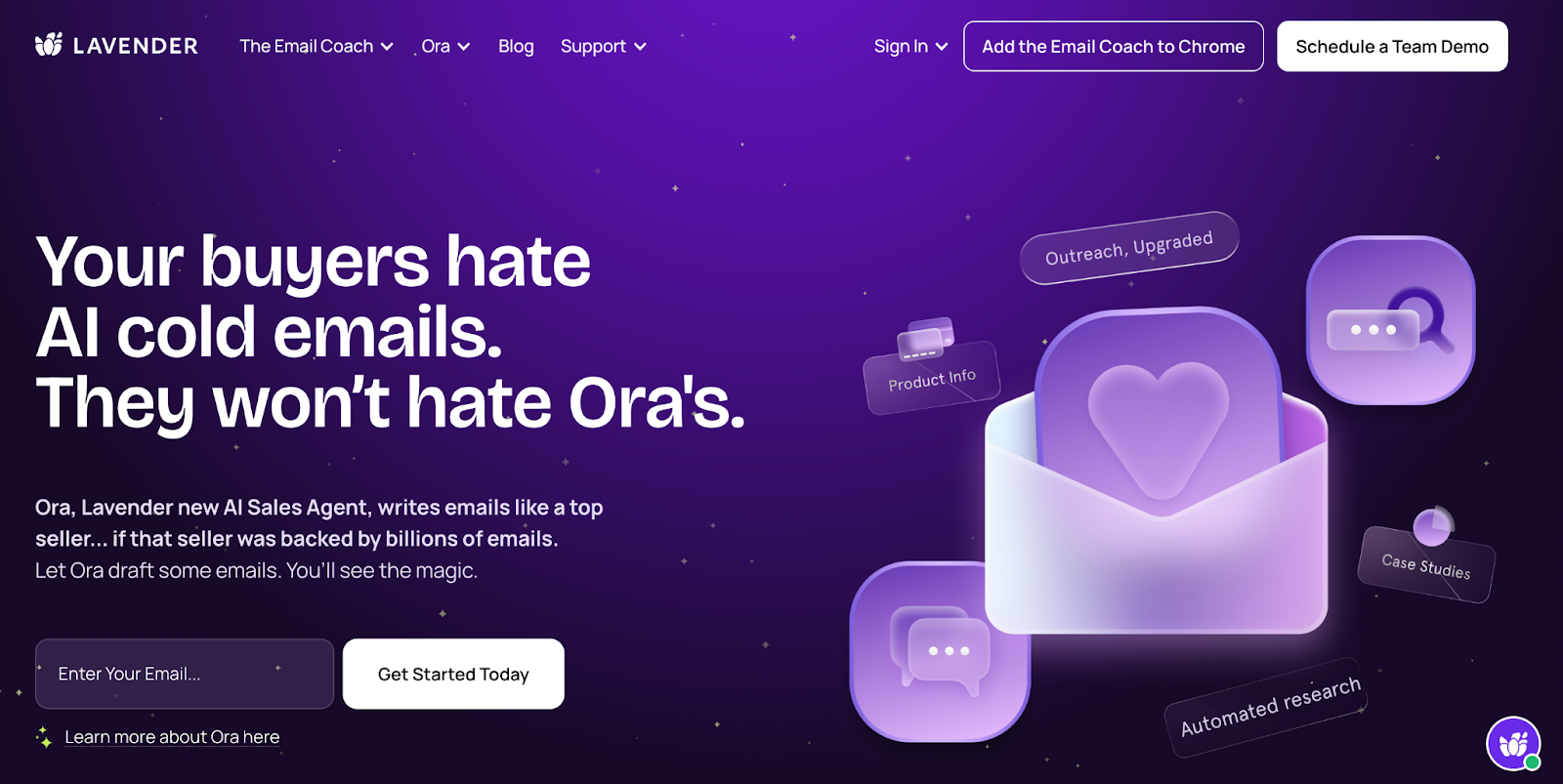
Lavender AI email coach is a browser extension for Gmail and Outlook. It scores a draft before you hit send. It covers email only. There is no CRM, calling or sequencing. It is the cheapest entry on the list. Skip it if your pain is calls or CRM data, not email copy.
Best for: SDRs and founders who want better cold email.
Key features:
- Real-time email scoring and coaching in your inbox.
- Personalization assistant.
- Individual coaching and analytics.
- Integrations with Salesloft, Outreach, HubSpot, Apollo and Groove on higher tiers.
- Team insights on the Teams plan.
Pricing: Lavender's own pricing page lists a free Basic plan (5 emails a month), Starter at $29 a month, Pro at $49, and Teams from $8,500. A later tracker captured slightly different numbers after a restructure, so verify at lavender.ai. Its separate Ora sales agent is priced separately.
Which AI Sales Copilot Fits Your Team?
Pick by CRM
Pick by job
Pick by team size
Stack combos that work
Think in three layers: a copilot, a data source and a dialer. HubSpot Professional plus Apollo for data, for example. Or Agentforce plus ZoomInfo for signals. Keep the number of tools low. Salesforce reports that 84% of sales teams without an all-in-one platform plan to consolidate.
Check your data first
Messy records cap every tool above. In Salesforce's 2026 research, 51% of sales leaders with AI say disconnected systems slow their AI work, and 74% of teams with AI are prioritizing data hygiene. Before you buy, check three things:
- Duplicate rate on contacts and accounts.
- Share of open deals with a next step and close date.
- Whether call and email activity actually syncs to the CRM.
Narrower tools worth a look
Attention, Nooks, Fireflies, Dialpad, Backstory and Regie.ai each cover a slice of the job. Verify current features and pricing before you shortlist any of them.
Skip the copilot if
- Your ICP is still fuzzy.
- Your offer does not get replies yet.
- You have too few leads to work.
A copilot speeds up a motion that already works. It will not fix a motion that does not.
AI Sales Copilot Pricing: Seat Price vs Total Cost
Four pricing models
Quote only does not mean expensive. It means you have to ask.
Hidden costs
- Onboarding fees (HubSpot: $1,500 Professional, $3,500 Enterprise).
- Seat minimums (Apollo Organization lists a 3-seat minimum).
- Add-on modules and agent skills sold separately.
- Credits that expire monthly or recur automatically (Apollo).
- Implementation on forecasting and conversation tools.
A 10-rep example on published prices
How to Roll Out an AI Sales Copilot Without Wasting the Budget
Start with the Gartner point from the intro. 72% of sales organizations reinvest little of their AI time savings in high-value work. Gartner also found that organizations that do reinvest are 2.2x more likely to exceed customer growth goals and 3.1x more likely to exceed lead-to-opportunity conversion goals. Time saved only helps if you decide where it goes.
Run a 30-Day Pilot With Baselines
An AI sales copilot pilot needs numbers before it starts.
- Week 0: Record baselines for admin hours per rep per week, reply rate, forecast accuracy, cycle length and CRM field completeness.
- Pick 5 to 10 reps. Use real pipeline data, not a vendor demo.
- Check weekly: Adoption (logins and actions taken) and output quality.
- Decide in advance where saved hours go: more calls, more discovery or more follow-up. Put them on the calendar.
- Write the pass/fail rule before day 1. For example: admin time down 3 hours a week and no drop in reply rate.
Common Rollout Mistakes
- Buying an agent when you need a copilot, or the reverse.
- Layering tools on messy CRM data.
- Skipping human review before AI text reaches a prospect. Gartner found 69% of B2B buyers prefer to validate AI-generated insights with sales reps. Your reps are the check.
- Tool sprawl. Sellers use about eight tools on average, per Salesforce.
- Skipping rep input during the trial.
When a Copilot Is Not Enough: Booking Meetings Without Hiring More SDRs
A copilot makes the reps you already have faster. It does not add reps, leads or calendar slots. If your CRM is solid and your copilot works but meetings are still thin, the gap is volume, not productivity.
That is where Cleverly fits. A dedicated SDR cold calls 200 to 300 prospects a day, works the leads already in your CRM through an AI-powered dialer, revives dead lists, qualifies against your criteria and books meetings onto your calendar. LinkedIn and cold email feed the same system. See our B2B appointment setting services and cold calling service.
Your reps still use Gong, HubSpot or Copilot for Sales to prep, take notes and update the CRM. We book the meeting. They run it. We are not a copilot and not software you run. Our clients have generated $51.2M in revenue and $312M in pipeline.
Not sure if your gap is rep productivity or meeting volume? Book a free strategy call and we'll tell you which.
Conclusion
There is no single best copilot. Match the job and the CRM. Agentforce for Salesforce shops, HubSpot for HubSpot teams, Copilot for Sales for Microsoft 365, Gong for coaching, ZoomInfo for signals, Apollo for budget outbound. A copilot gives rep time back. It is only worth the money if that time goes to selling.
Shortlist two, run a 30-day pilot and verify pricing before you sign.
Frequently Asked Questions
Free Resource
How to Scale a Profitable Cold Call System
Get the complete guide — download it instantly now.
Free Ebook
Download the Free Guide
Enter your details to get instant access.
You're all set! 🎉
Your ebook is downloading now.
Click below if the download didn't start automatically.